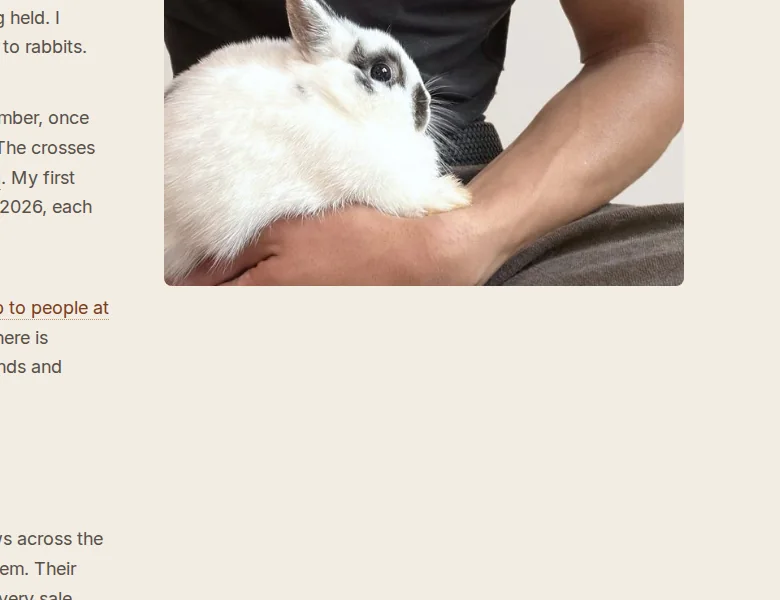
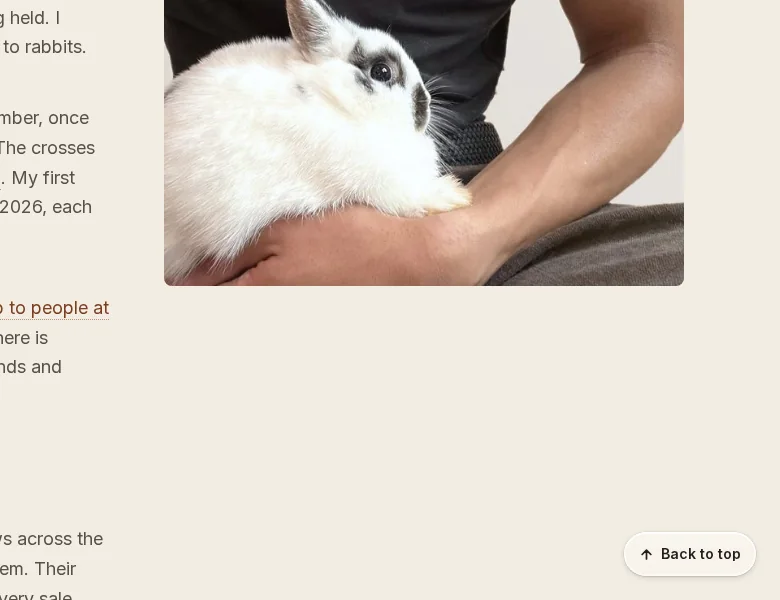
Pay in parts is now called Payment plans.
It's the name people use, on every rabbit for sale. A rabbit being paid for says Payment plan on its photo.
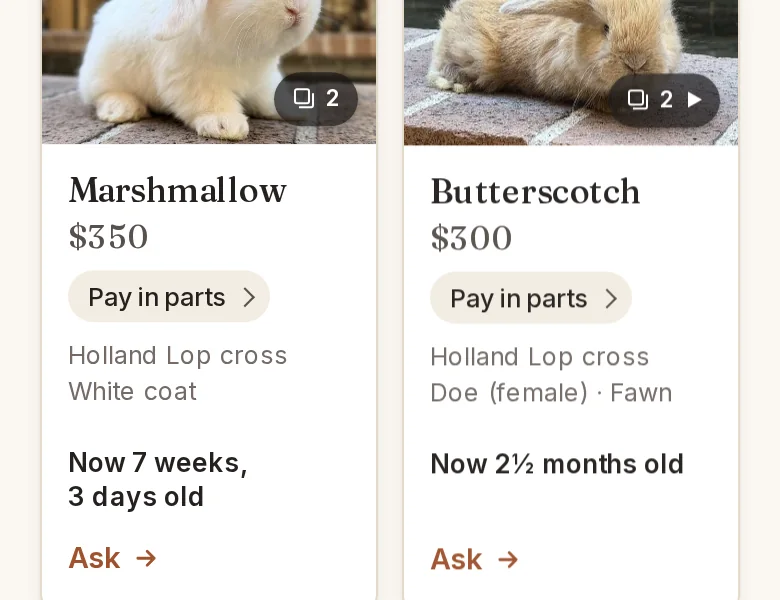
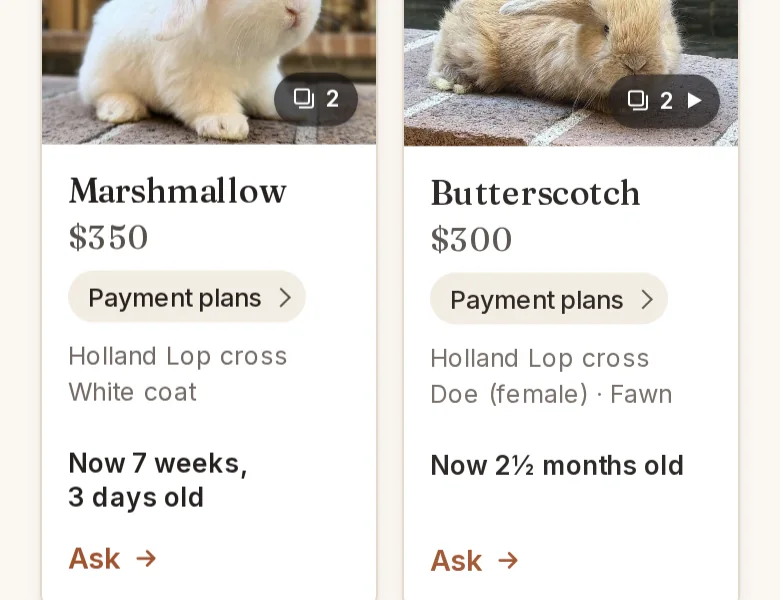
Here is every change I make to this site, with a picture of before and after. The newest is first.
Site version 2026.10.18b
Pay in parts is now called Payment plans.
It's the name people use, on every rabbit for sale. A rabbit being paid for says Payment plan on its photo.
Site version 2026.10.18a
Tap Pay in parts to see how it works.
Every rabbit for sale has it on its listing, under What you pay for. On a card, it takes you to that rabbit's listing with the answer open.
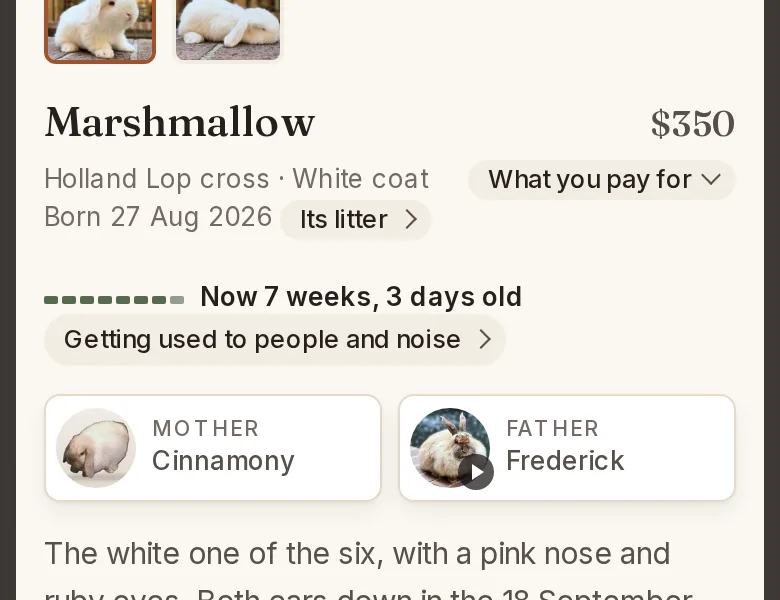
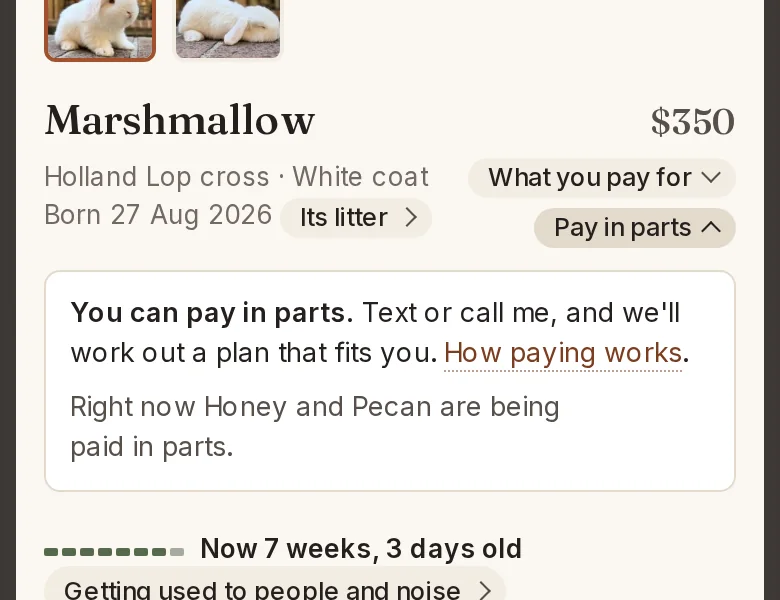
Site version 2026.10.17a
Every rabbit you can buy says Pay in parts, under its price.
Each rabbit's listing links to the terms, which say how it works.
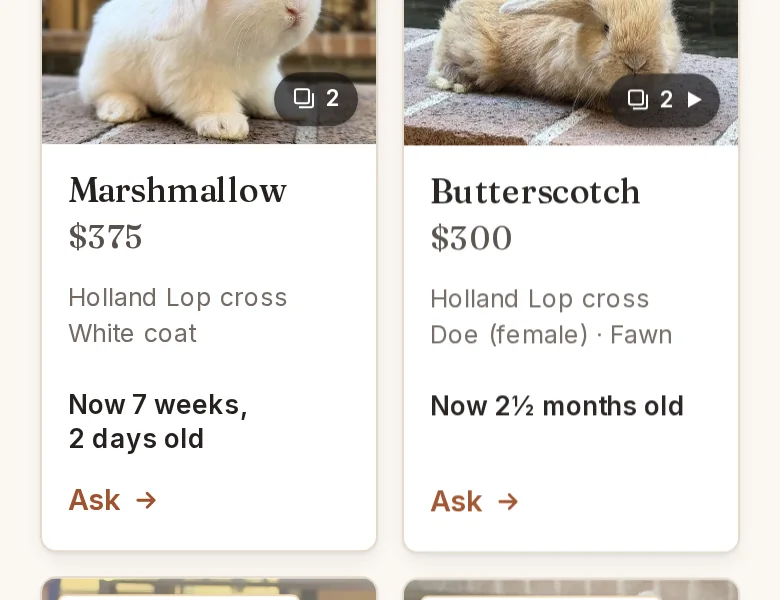
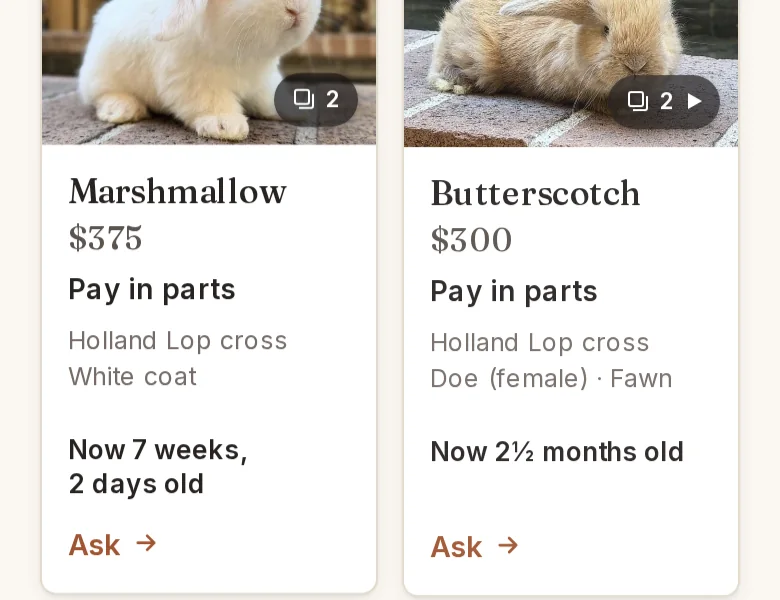
Site version 2026.10.16d
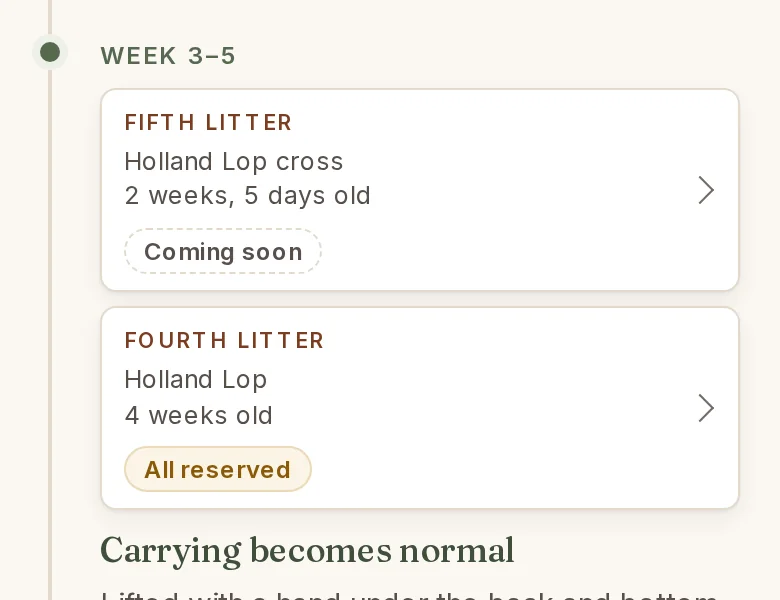
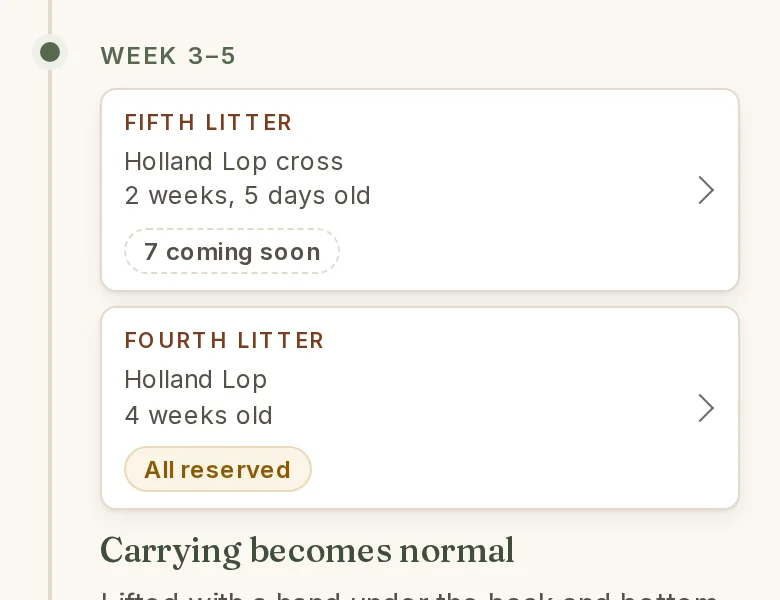
A litter coming soon says how many.
Under How they're raised, a litter not yet listed says how many it has: the fifth litter's card says 7 coming soon, for the seven born on 27 September.
Site version 2026.10.15d
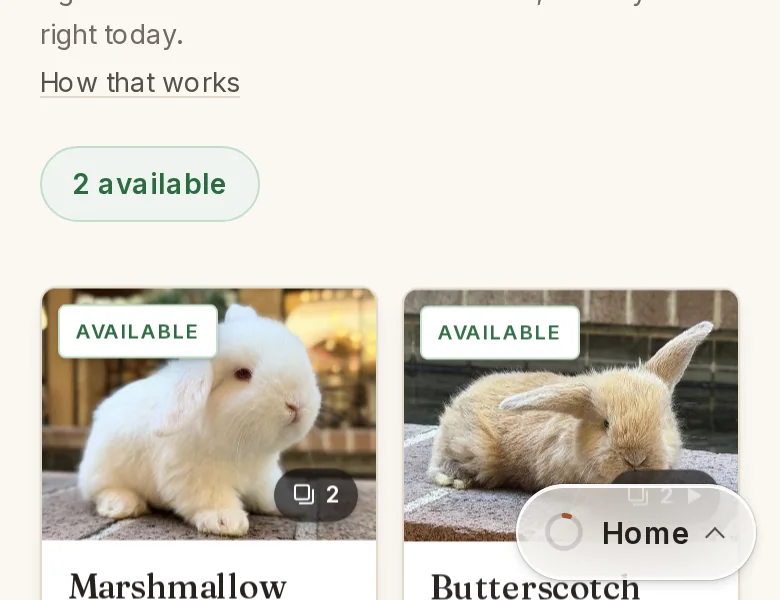
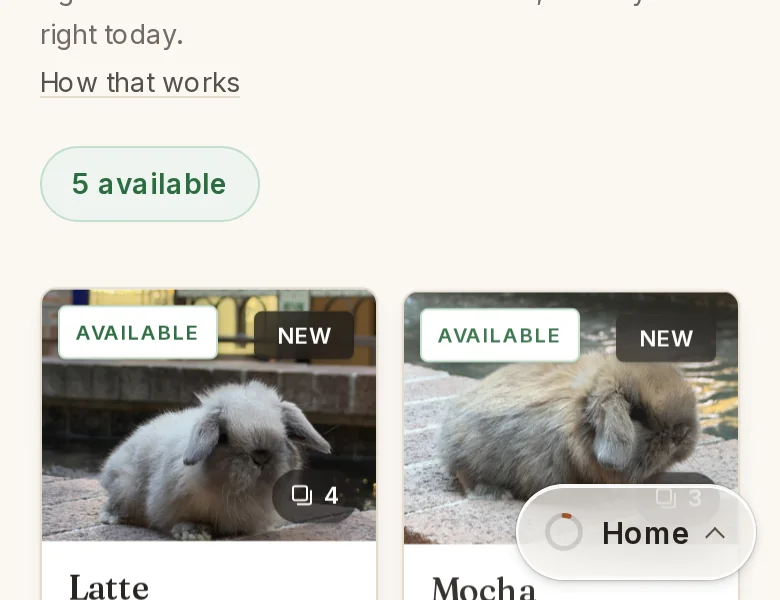
Latte, Mocha and Nutmeg are listed.
S'Morri and Root Beer's three, born 18 September: Latte, a sable point, $450; Mocha and Nutmeg, tortoise, $400 each. Photographed 15 October on the brick by the fountain, four weeks old the next day. Their litter's card says 3 available instead of Coming soon, and the waitlist box no longer offers that litter.
Site version 2026.10.15c
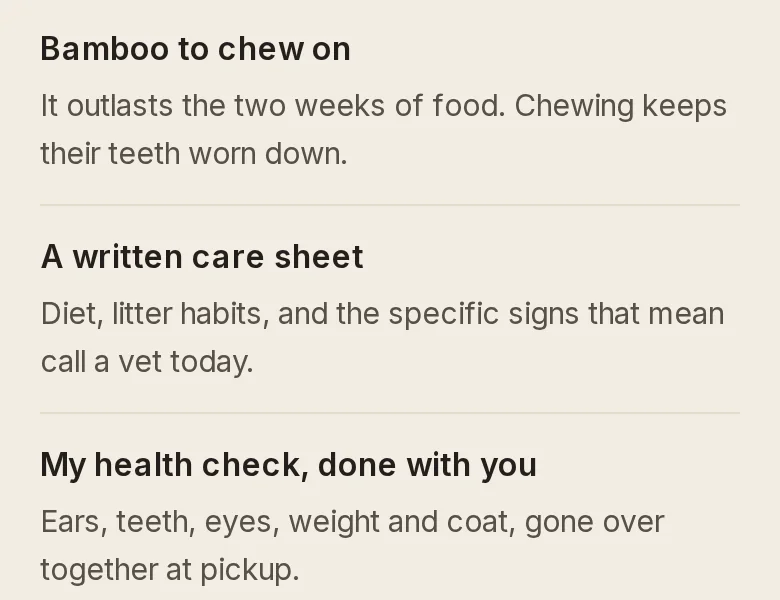
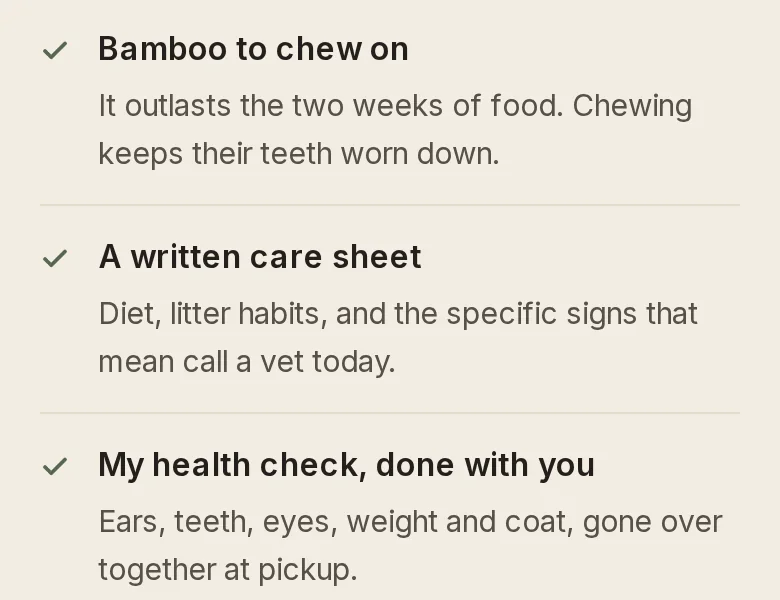
Every row of What you take home now wears a tick.
It is the same green mark Boarding uses for what a stay includes, so the two lists read the same way. A tick drawn on the page, not a box to tap.
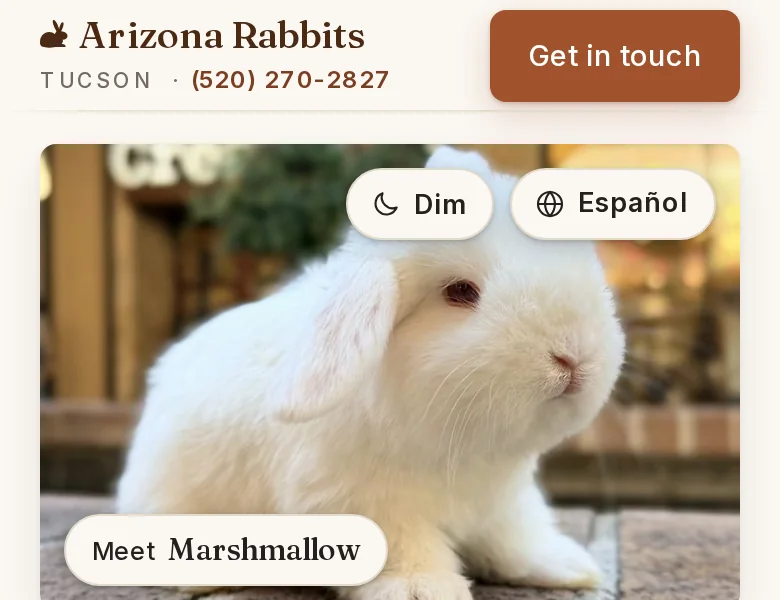
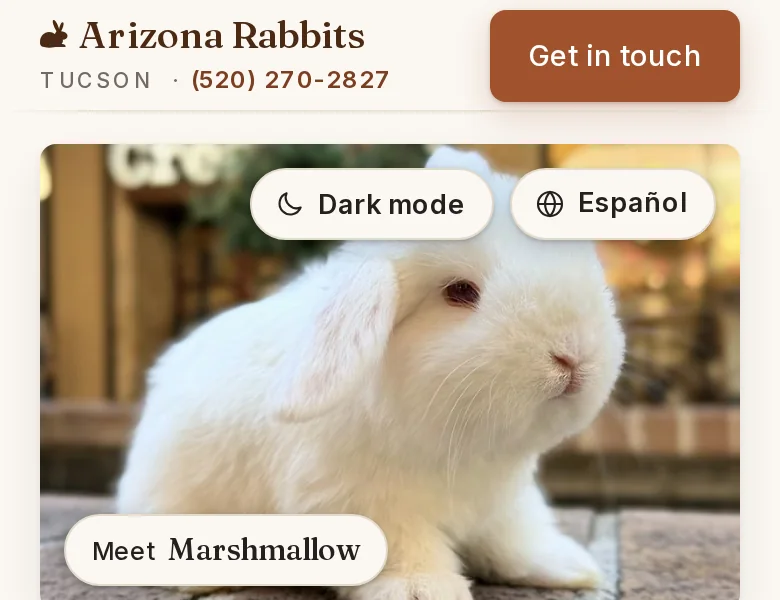
Dim is now called Dark mode.
The circle on the photo, the moon in a computer's menu and the switch at the bottom of the page all say Dark mode, and Light mode once it is on. The circle says its words when you arrive, and again whenever you come back to the top of the page.
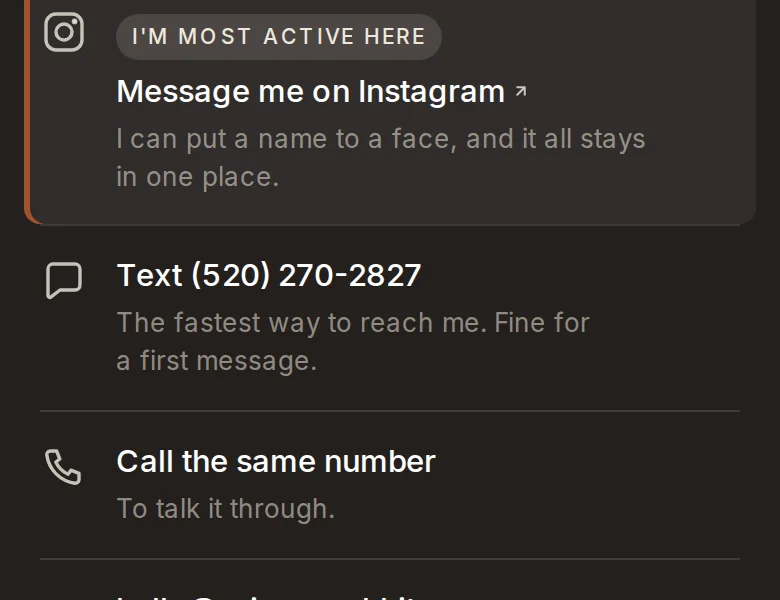
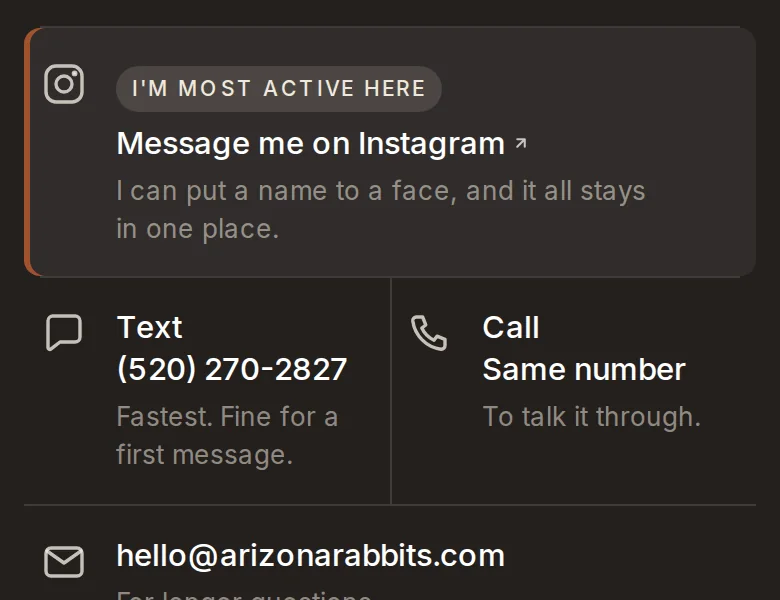
Text and Call share one row.
Side by side, the number printed once. The list of ways to reach me is shorter, and the same number no longer appears to be two.
Site version 2026.10.15b
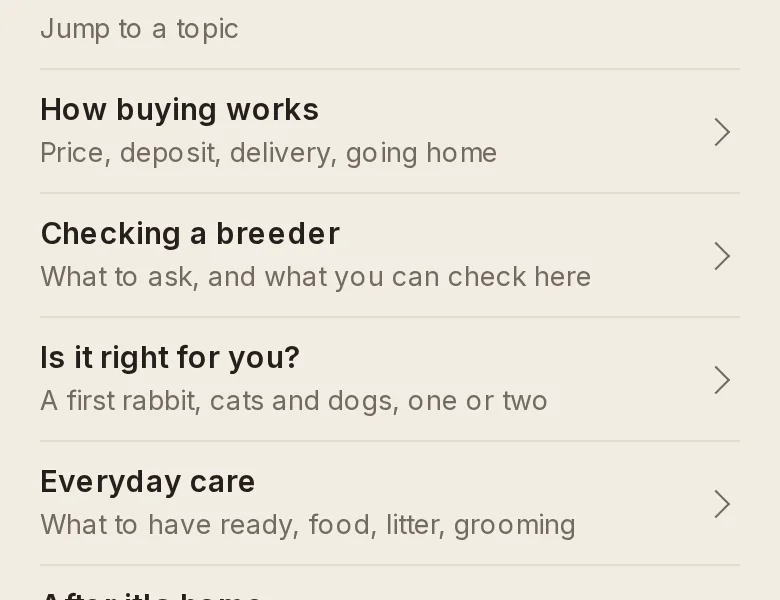
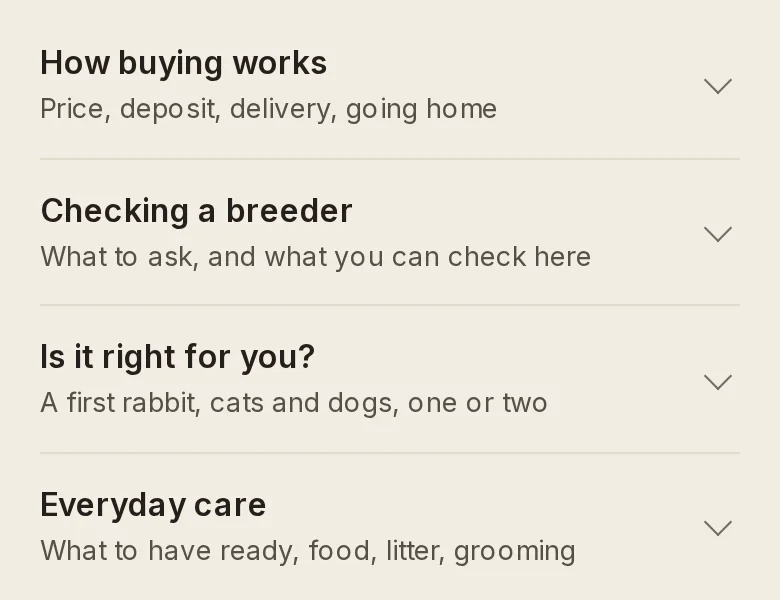
The FAQ's five topics now open in place.
Nothing is open when you arrive. Tap a topic and its questions appear under it, and the others close. On a phone the section went from three screens to one.
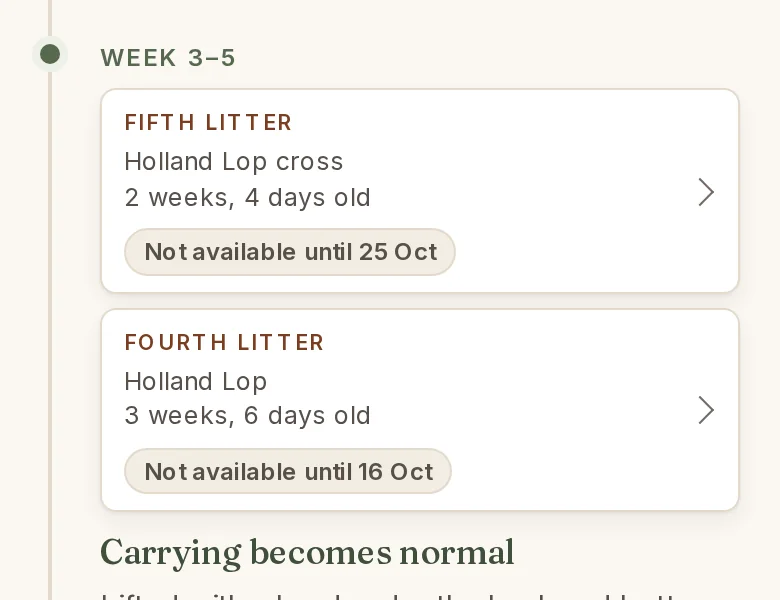
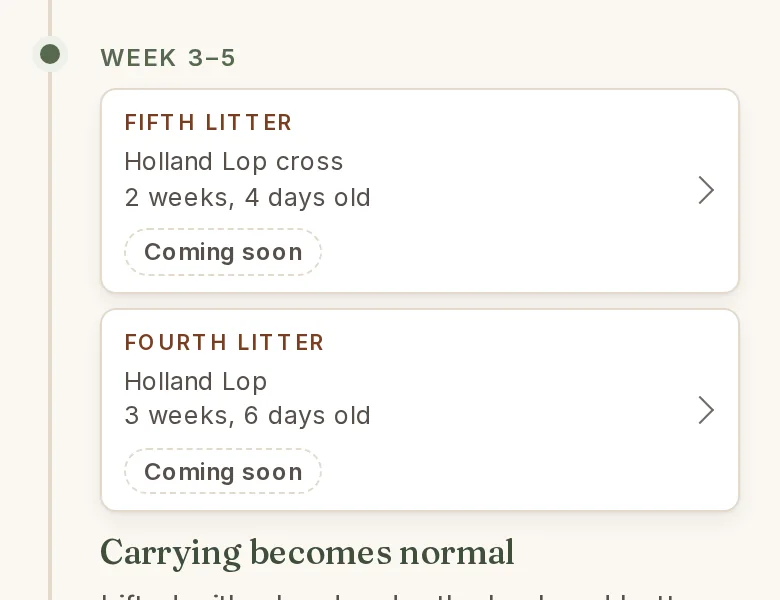
A litter not yet on the site says Coming soon.
There is no set day: each one is listed once it is photographed and checked. A pending litter's pill is dashed; a live litter keeps its filled green or amber one, so the two are told apart at a glance. The litters page and the waitlist box say the same.
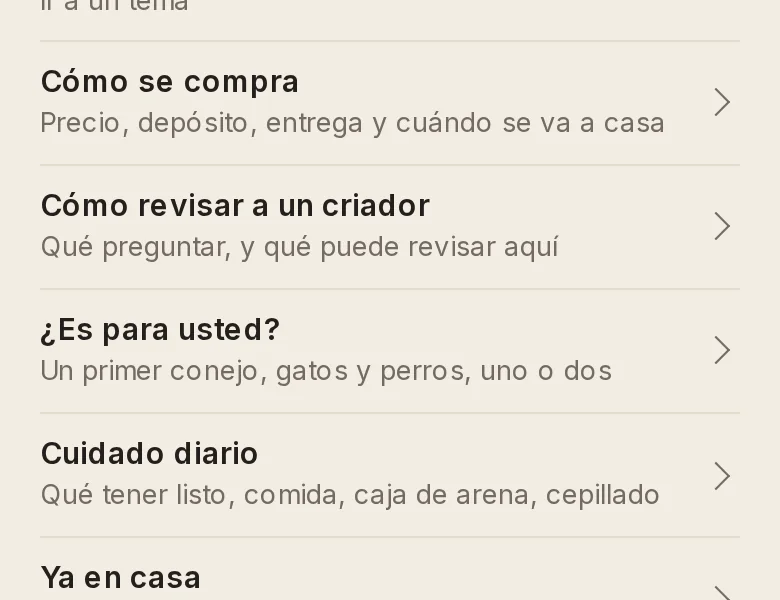
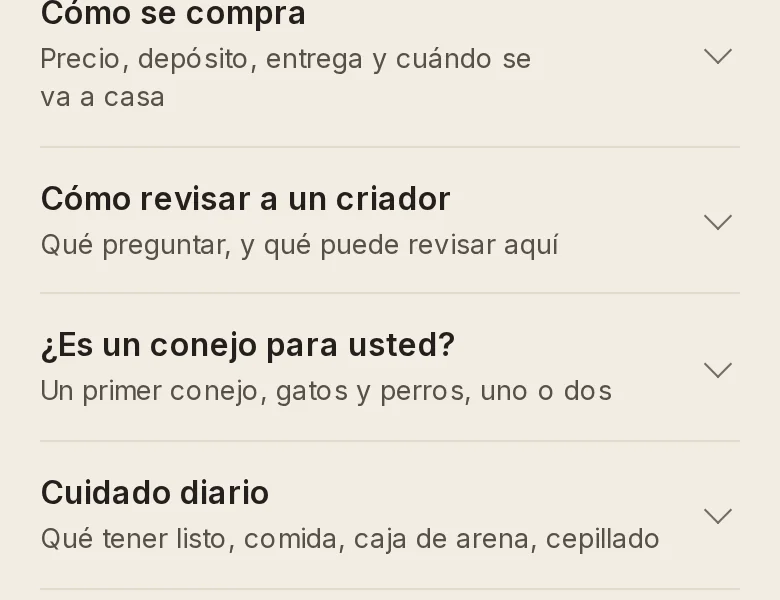
The Spanish pages read the way it is said in Sonora.
A Spanish-speaking reader from this side of the border went through every Spanish page. About forty lines changed, from the questions' titles to the footer's last sentence.
Site version 2026.10.15a
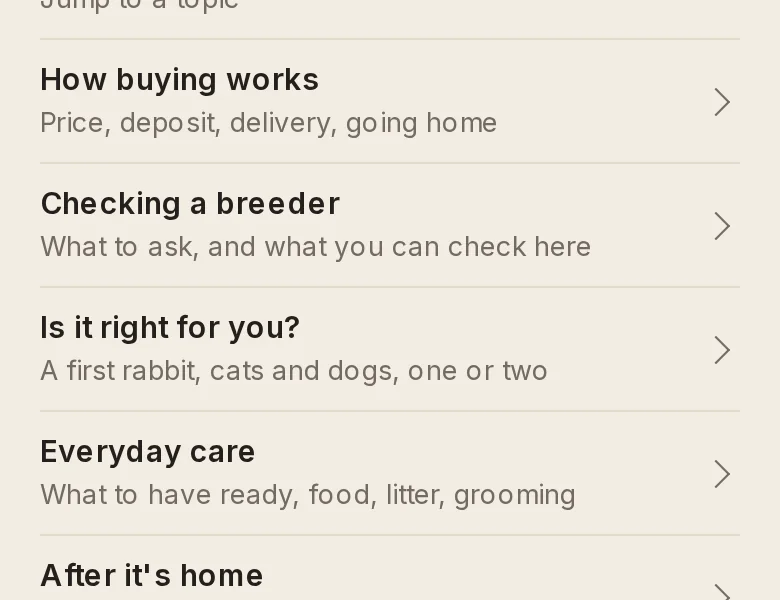
The FAQ is now in five topics.
A list of the topics sits at the top: tap one to go straight to its questions. Three answers are new: what to have ready, what they eat, and the litter box.
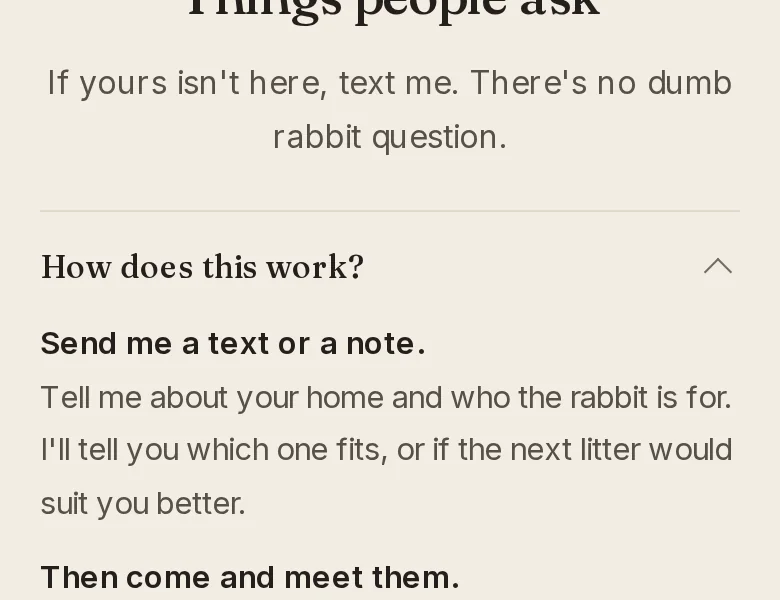
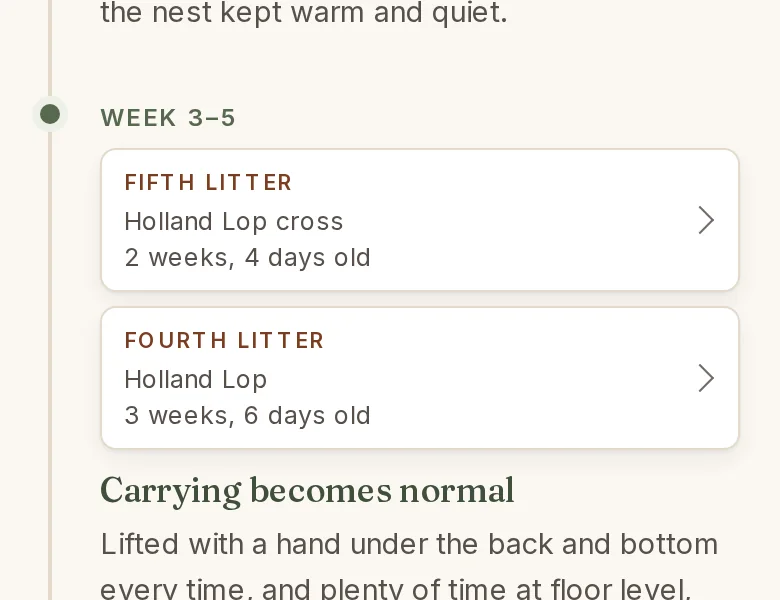
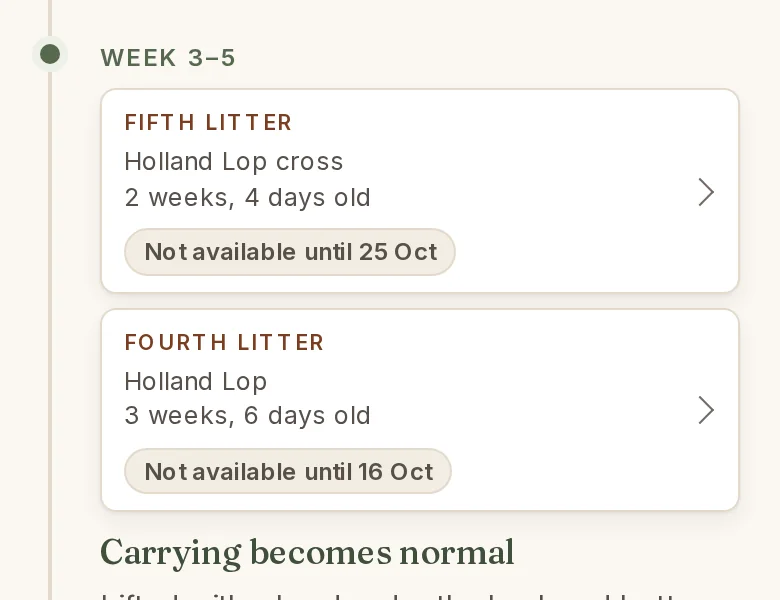
Each litter in How they're raised now says if it's available.
A litter with rabbits for sale says how many are available. A younger litter says the day it becomes available.
Site version 2026.10.12h
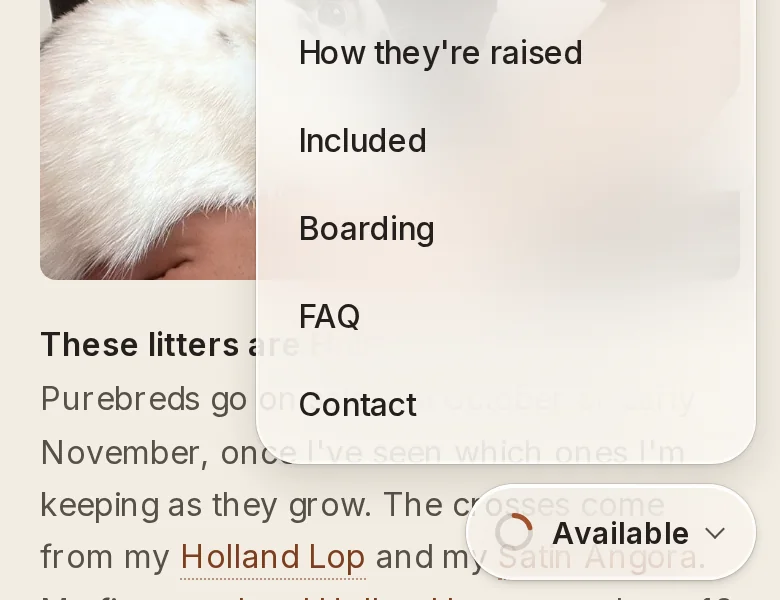
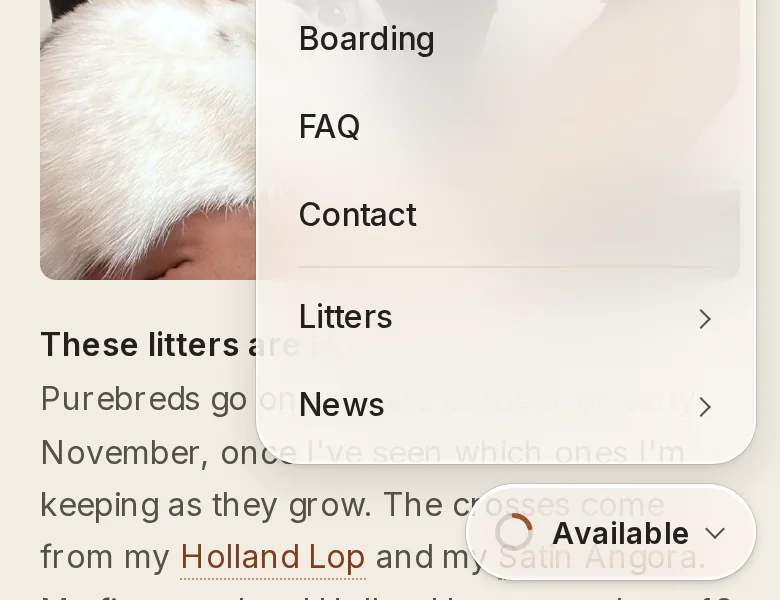
On a phone, the menu now reaches the Litters and News pages.
They sit under the front page's sections, each with an arrow that says it opens another page.
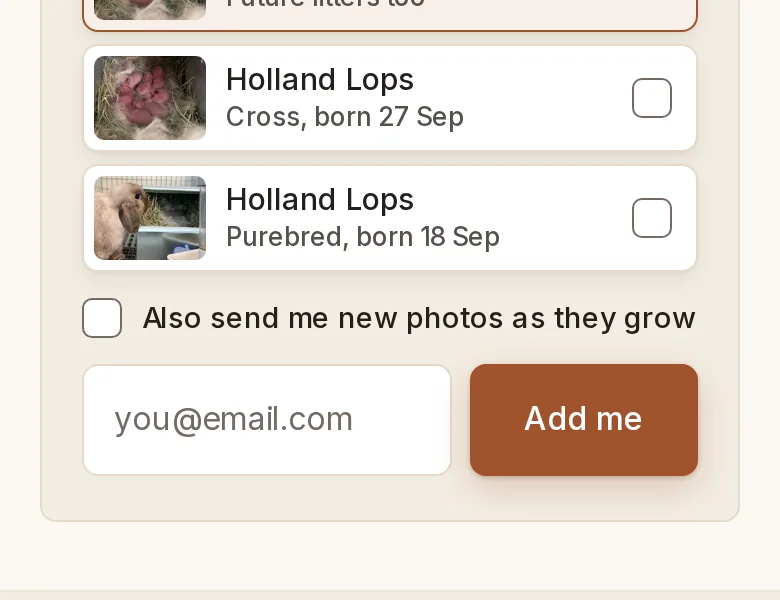
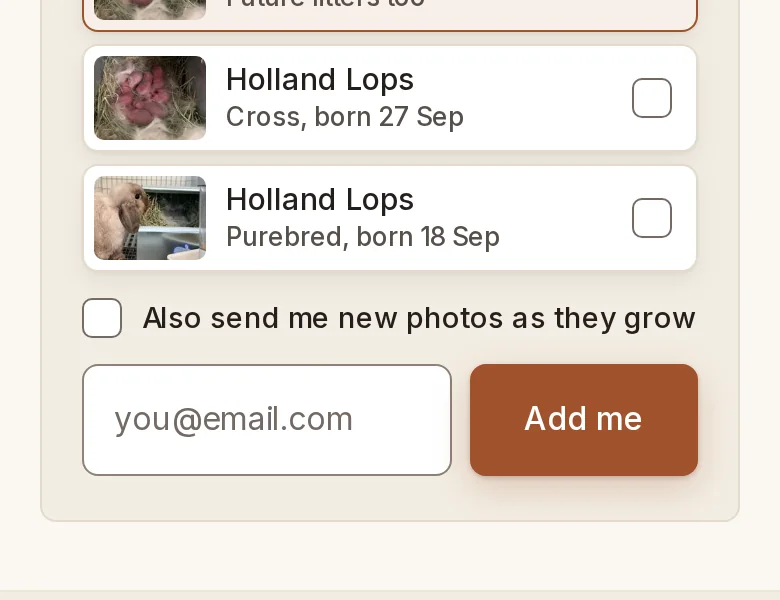
The boxes you type in have a clearer edge.
The email box and the form's fields now stand out from the page, which helps on a bright screen.
Site version 2026.10.12g
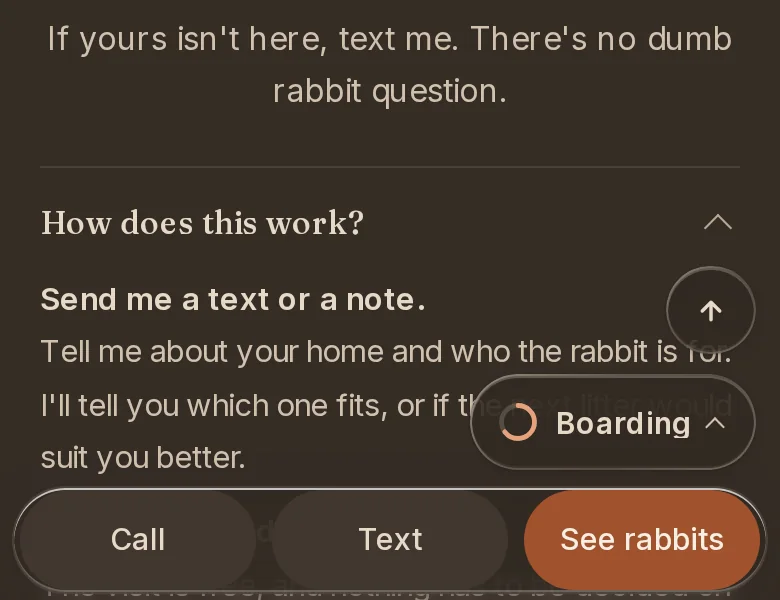
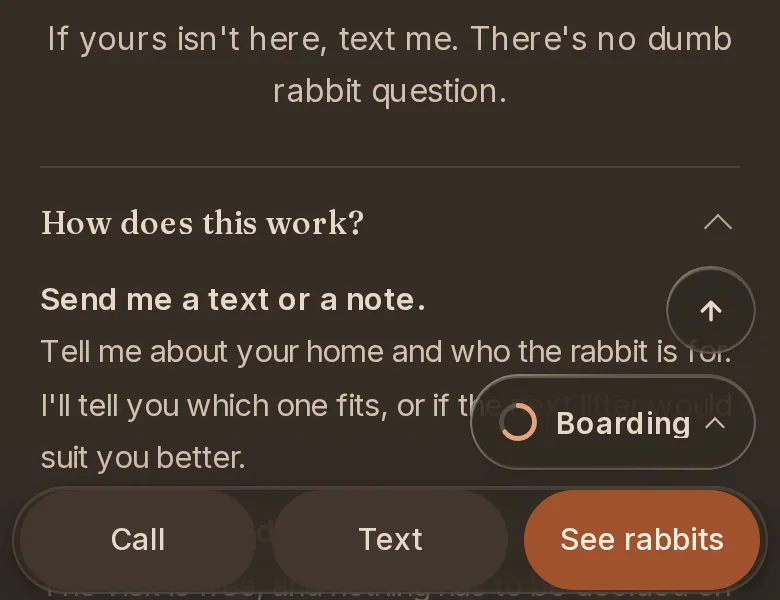
When the page is dimmed, the bar at the bottom has a soft edge.
Its rim is a faint warm line now, so Call, Text and See rabbits sit calmly on the darker page. The menu in the corner has the same edge.
Site version 2026.10.12f
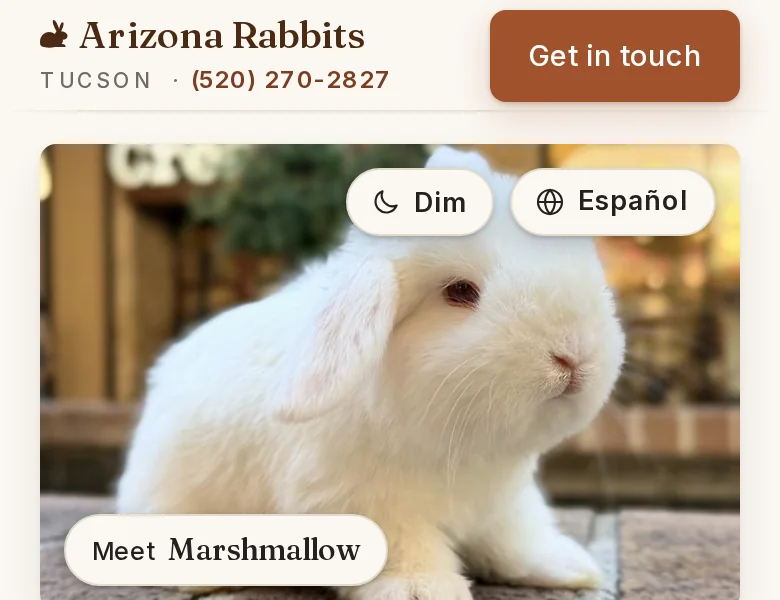
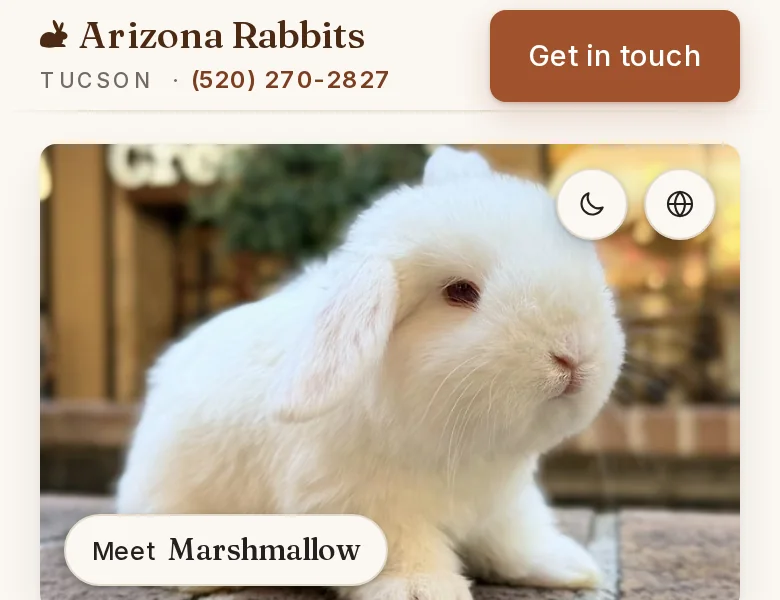
The two buttons on the front page's photo are circles now.
They open to show their words when you arrive, then close so the photo has room. Dim still works with one tap.
Site version 2026.10.12e
This page shows every change to the site.
Each change has a picture of before and after. The newest is first, and older ones fold away.
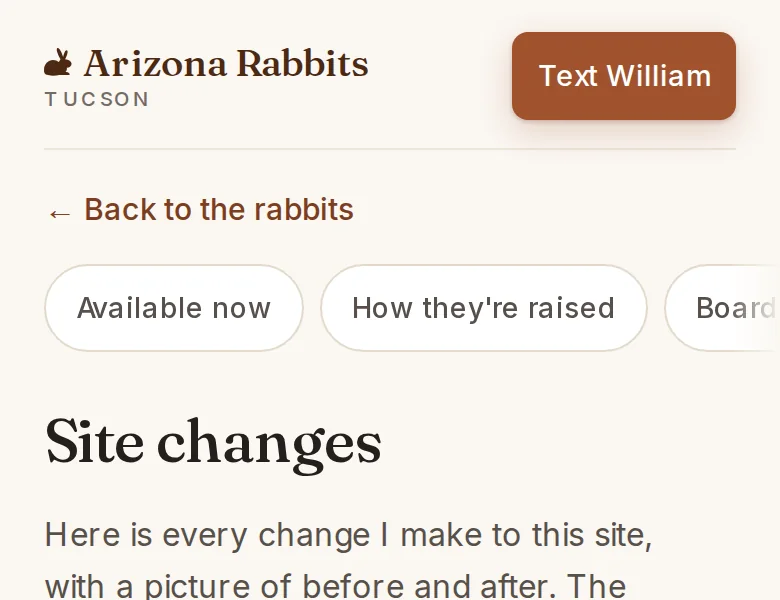
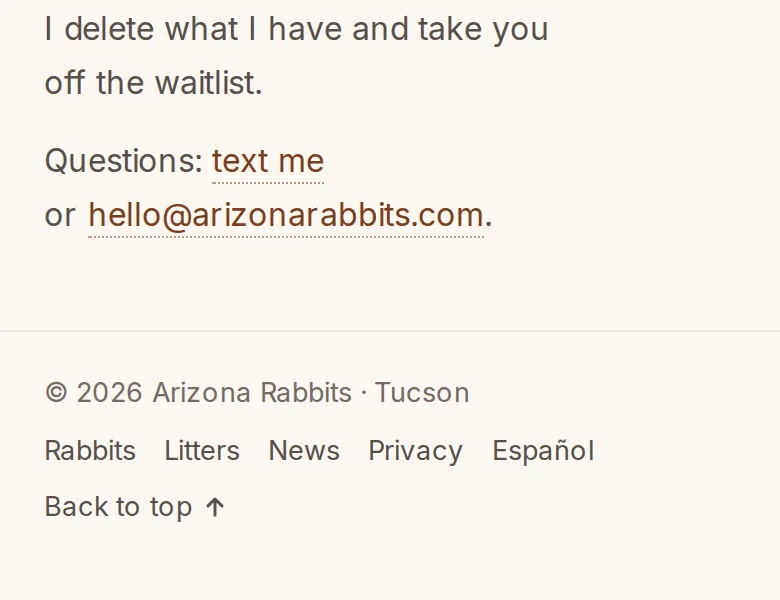
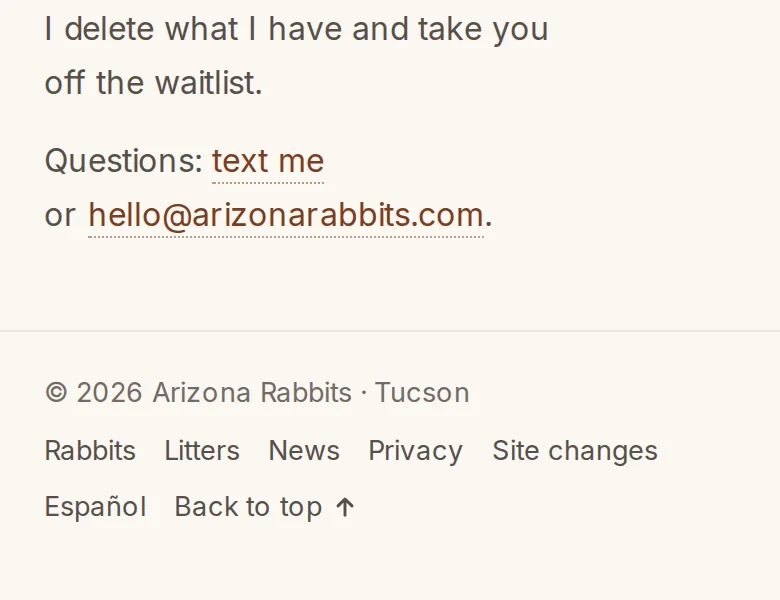
Every page links here from the bottom.
Site changes sits in every footer, after the terms. The News page says where it is too.
Site version 2026.10.12d
Dim is at the top of every page.
On a phone it sits on the photo, next to Español. On a computer it is the moon in the menu. The page keeps your choice on this device, and you don't need an account.
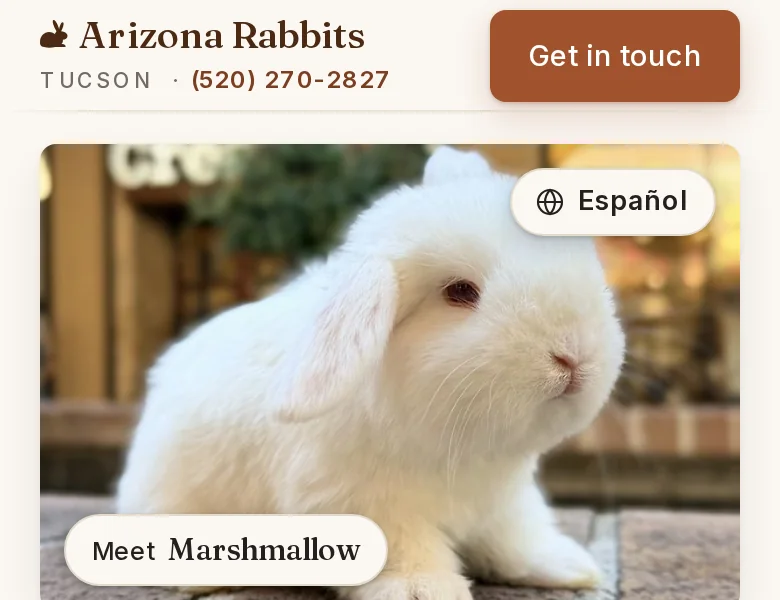
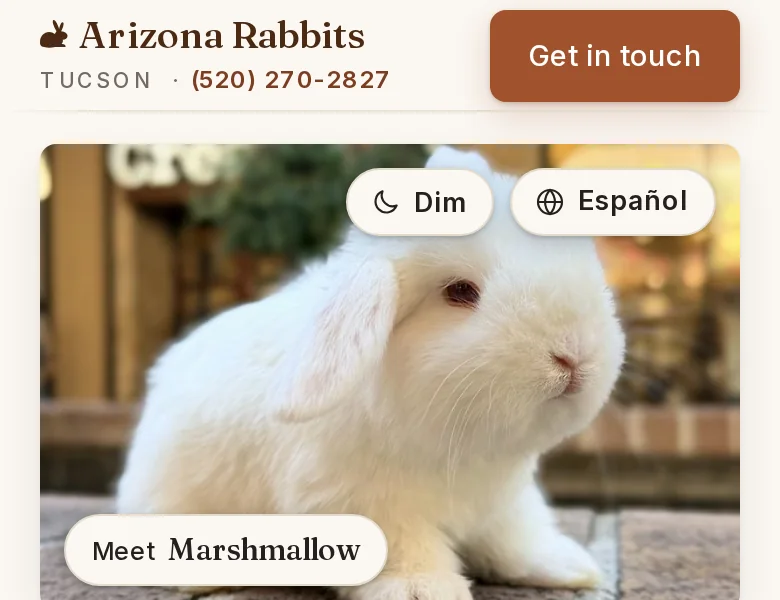
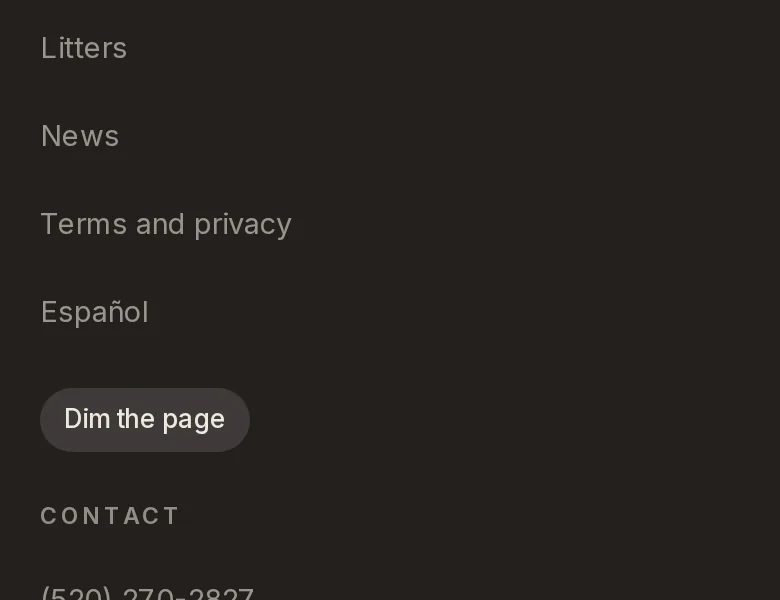
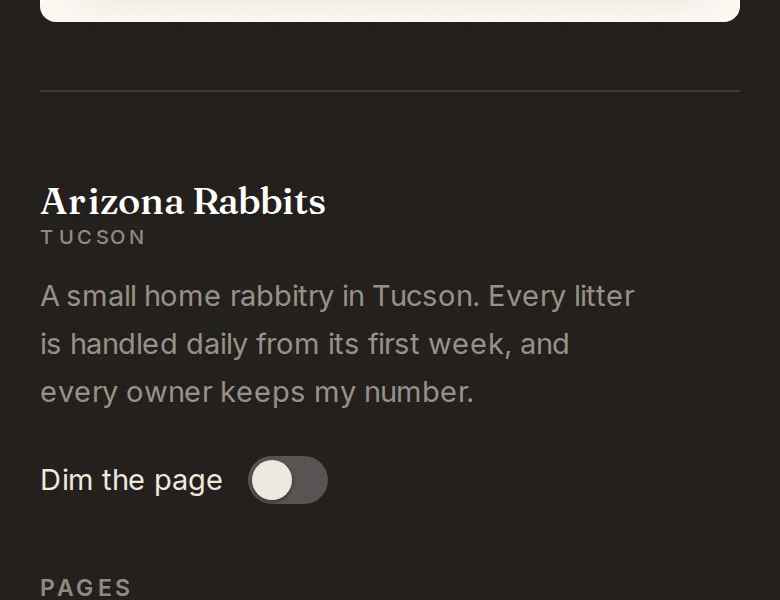
At the bottom of the page, Dim is a real switch.
It sits under the name, where a site keeps its settings. It used to be a button under the list of pages.
On a computer, a round arrow takes you back to the top.
It shows while you scroll fast and fades slowly once you stop. The first time, it says Back to top.